Workstations and equipment
Setup of new computers, user profiles, printers and required applications. Existing data and settings are considered within the agreed scope, and key functions are checked together.
Understand technical issues, resolve them with purpose and explain the next steps clearly.
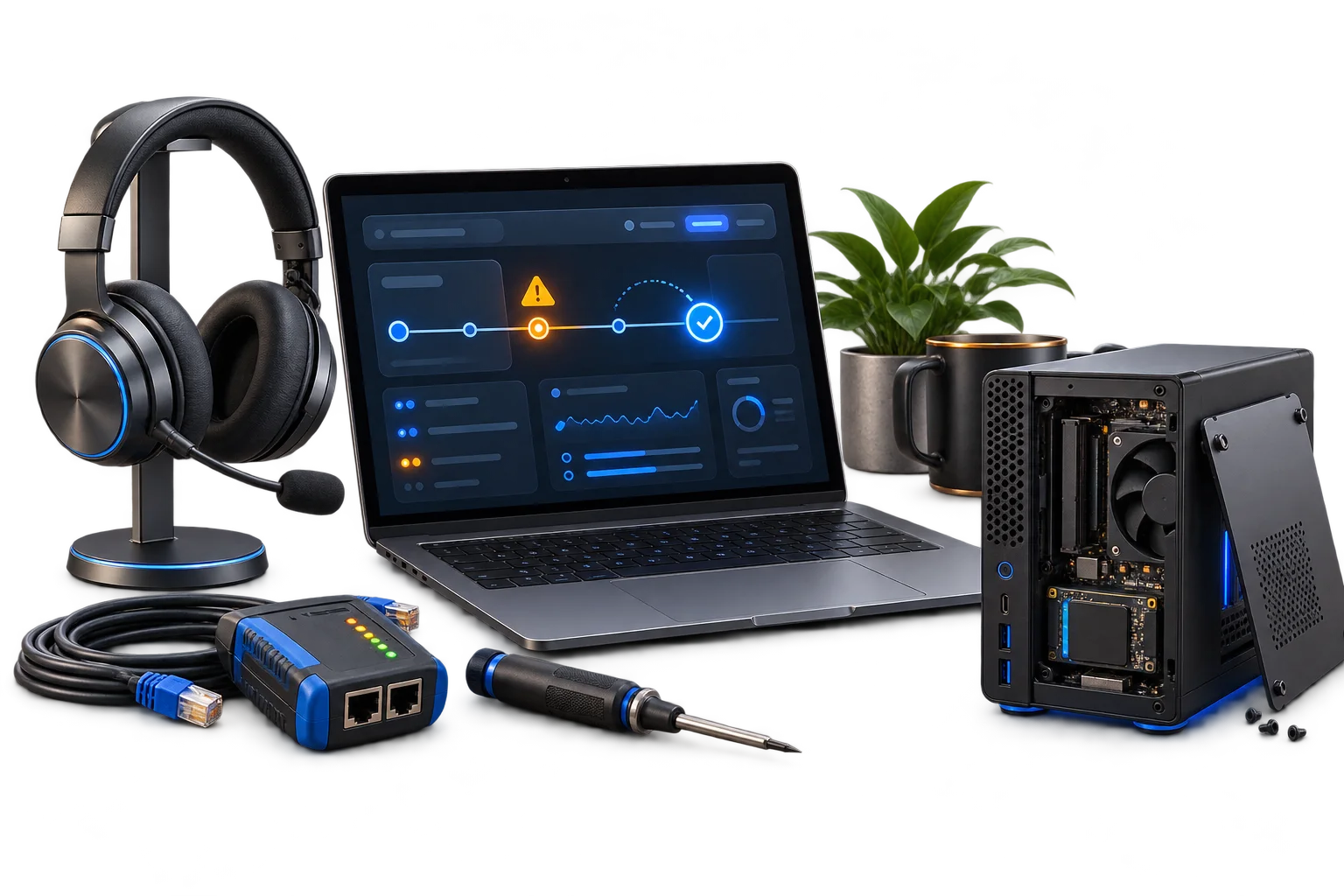
Whether it is one workstation, new equipment or a recurring issue, we help with diagnostics, setup and the ongoing care of your IT. On site or remotely, by arrangement.
Technical support should make the problem understandable and help you get back to work. We consider symptoms and possible causes, discuss practical next steps and record relevant changes. This helps with an immediate fault as well as issues that keep returning.
What you receive
Symptoms & impact
Diagnosis & agreed change
Verification & next steps
The specific scope is shaped around your environment and agreed together before work begins.
Setup of new computers, user profiles, printers and required applications. Existing data and settings are considered within the agreed scope, and key functions are checked together.
We collect error messages, check affected connections and narrow down possible causes systematically. This provides a clear basis for repair, adjustment or further investigation.
Maintenance, updates and recurring checks can be arranged individually. Tasks, time windows and responsibilities are defined around your environment.
These examples illustrate possible starting points. We use your actual situation to develop a suitable solution.
A new colleague needs more than a computer that turns on. We help with equipment, applications and agreed access so that the working environment fits the actual role.
Connection dropouts, printer problems and error messages waste time. We look at the dependencies and discuss which change addresses the cause and what should be monitored afterwards.
Moving to a new computer means accounting for important files and applications. We plan the transfer, setup and functional checks in an understandable sequence.
A good network is only the beginning. When devices, data and software work together, you get a solution that holds up in everyday life. We consider use, responsibilities and the next steps after handover alongside the setup itself.
We listen and establish your goal, existing setup and actual needs. The people affected, dependencies and known constraints are part of the starting point.
You receive a clear proposal with a defined scope and sensible priorities. Requirements, possible interruptions and responsibilities are discussed in advance.
We configure, integrate or develop the agreed solution and check relevant functions. Specialist work and additional changes are coordinated for the project.
Documentation, an introduction and a clear handover keep the system understandable. Further development, maintenance or ongoing assistance can be arranged individually.
Many setup and diagnostic tasks can be handled remotely. We first establish whether this suits your request. Remote access is arranged with your agreement and participation.
Yes. We assist with business work environments and technology at home. Priorities and scope depend on the individual request.
Recurring assistance can be arranged individually. Covered systems, tasks and availability are agreed specifically.
Include the device or application, the exact error, when it occurs and its impact. Please do not include passwords or other credentials in the initial message.
Many tasks connect with other areas. These services can complement your project.
Dependable Wi-Fi, structured cabling and networks designed for your spaces and requirements.
03Centralised data, dependable systems and a backup approach that plans for recovery.
05Custom applications, clear interfaces and databases with considered structure.
A specific problem, a new project or simply a good idea. Tell us what you want to achieve and what technology is already in place. Together we will find a suitable starting point.