Organise data clearly
Shared folders, user groups and permissions are aligned with how you work. A clear structure supports collaboration and makes responsibilities visible.
Centralised data, dependable systems and a backup approach that plans for recovery.
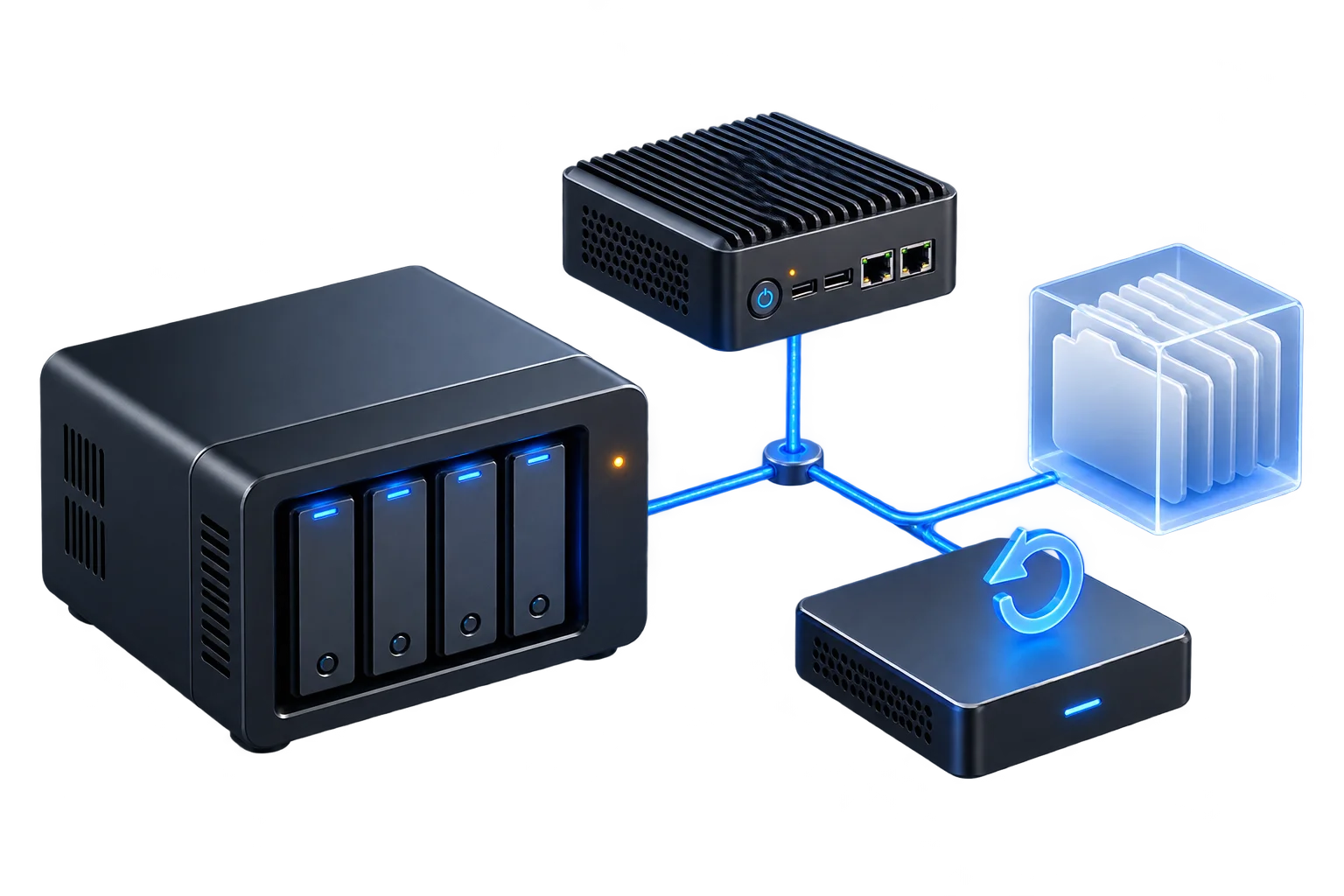
We connect servers, storage and applications into a manageable environment, including appropriate access permissions, monitoring and documented backup and recovery procedures.
Files, applications and backups can become difficult to manage when each solution grows separately. We bring storage, servers and access into one clear view. Capacity, ongoing operation and recovery after a fault are included in the planning from the start.
What you receive
Servers · NAS · applications
Versions & protection
Recover & verify
The specific scope is shaped around your environment and agreed together before work begins.
Shared folders, user groups and permissions are aligned with how you work. A clear structure supports collaboration and makes responsibilities visible.
Physical or virtual servers, NAS and applications are combined according to need. Resources, updates and monitoring are planned so that the environment remains understandable.
We establish important data, possible failures and suitable recovery checks. Backup destinations and retention are agreed together.
These examples illustrate possible starting points. We use your actual situation to develop a suitable solution.
Documents should not be scattered across individual devices. An agreed folder structure and appropriate permissions make access clearer and provide a basis for central backups.
Applications and data need attention before a system change begins. We map dependencies, plan the transfer and agree checks as well as a possible rollback path.
A successful backup job does not answer every recovery question. We plan selected restore tests and document which data can be recovered through which procedure.
A good network is only the beginning. When devices, data and software work together, you get a solution that holds up in everyday life. We consider use, responsibilities and the next steps after handover alongside the setup itself.
We listen and establish your goal, existing setup and actual needs. The people affected, dependencies and known constraints are part of the starting point.
You receive a clear proposal with a defined scope and sensible priorities. Requirements, possible interruptions and responsibilities are discussed in advance.
We configure, integrate or develop the agreed solution and check relevant functions. Specialist work and additional changes are coordinated for the project.
Documentation, an introduction and a clear handover keep the system understandable. Further development, maintenance or ongoing assistance can be arranged individually.
That depends on its role in the design. Central storage alone does not automatically protect against every kind of data loss. We consider original data, backup copies and failure scenarios separately.
A transfer can be planned after reviewing the data, permissions and applications. The sequence and required backups are agreed before work begins.
Restore tests can be agreed with a specific scope. We record which data or systems were checked and the conditions required for recovery.
Yes, virtualisation can be part of the solution. Resources, networking, storage and backups are considered as one connected environment.
Many tasks connect with other areas. These services can complement your project.
Dependable Wi-Fi, structured cabling and networks designed for your spaces and requirements.
02Understand technical issues, resolve them with purpose and explain the next steps clearly.
07Your own setup with clear architecture, understandable configuration and room to grow.
A specific problem, a new project or simply a good idea. Tell us what you want to achieve and what technology is already in place. Together we will find a suitable starting point.